Design Reference Gallery
Compare the original visual specifications side-by-side with the live interactive web views
1. Home / Catalog View
Launch Live View open_in_newThe curated catalog showcases products using the tall 4:5 image grids specified in the Quiet Luxury guideline. Features client-side category filters and interactive cart integrations.
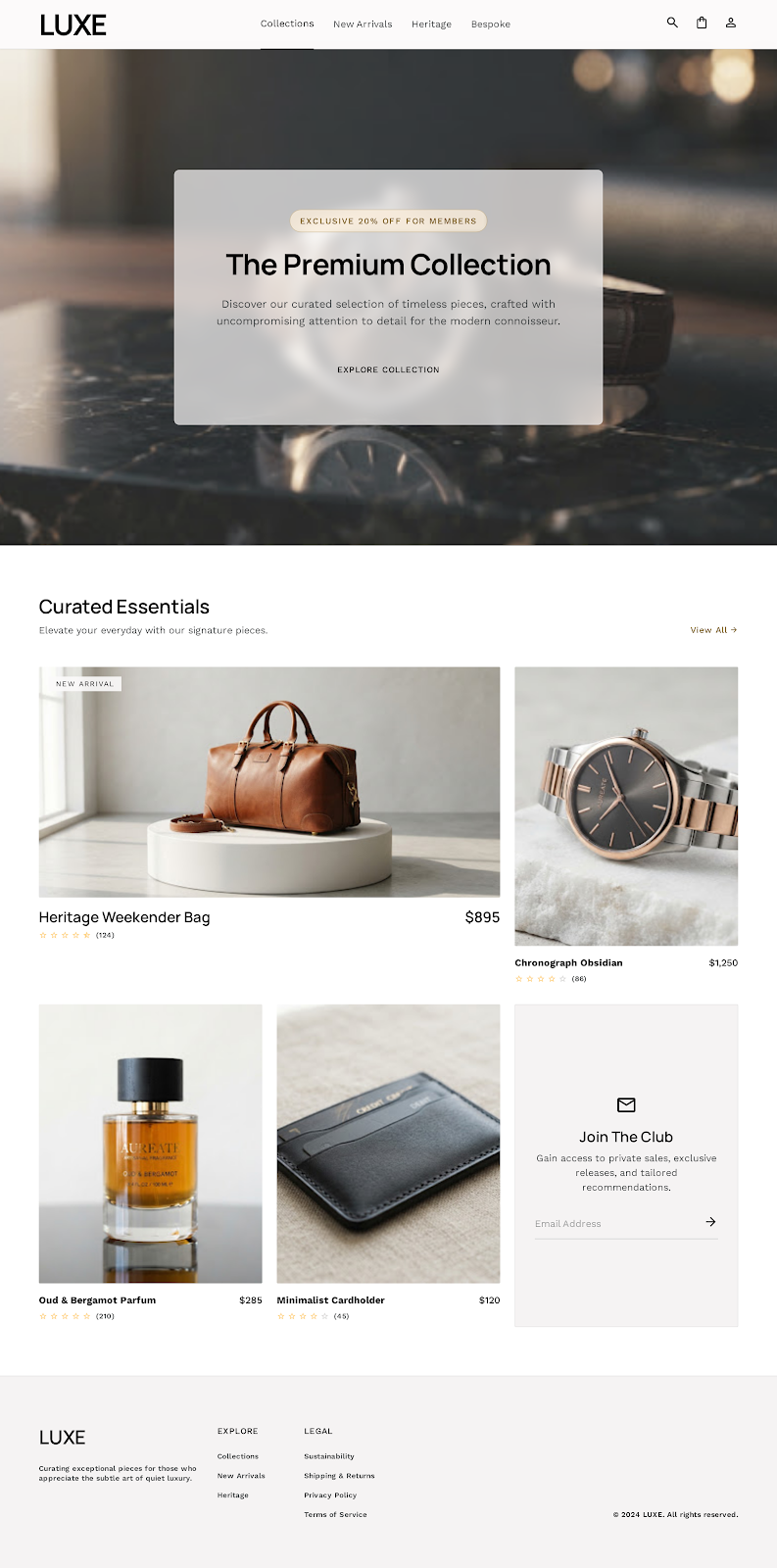
Original Mockup Reference (screen.png)
Live Interaction Checks:
- Category buttons dynamically filter items instantly without page reload.
- Clicking product title or image routes to individual Product Details.
- Clicking "Acquire" immediately runs cart logic, flashes a success Toast, and updates the header shopping cart badge.
2. Product Detail View
Launch Live View open_in_newPresents detailed specifications of a curated object with multi-image carousels, size option buttons, quantity adjustments, and client testimonials.
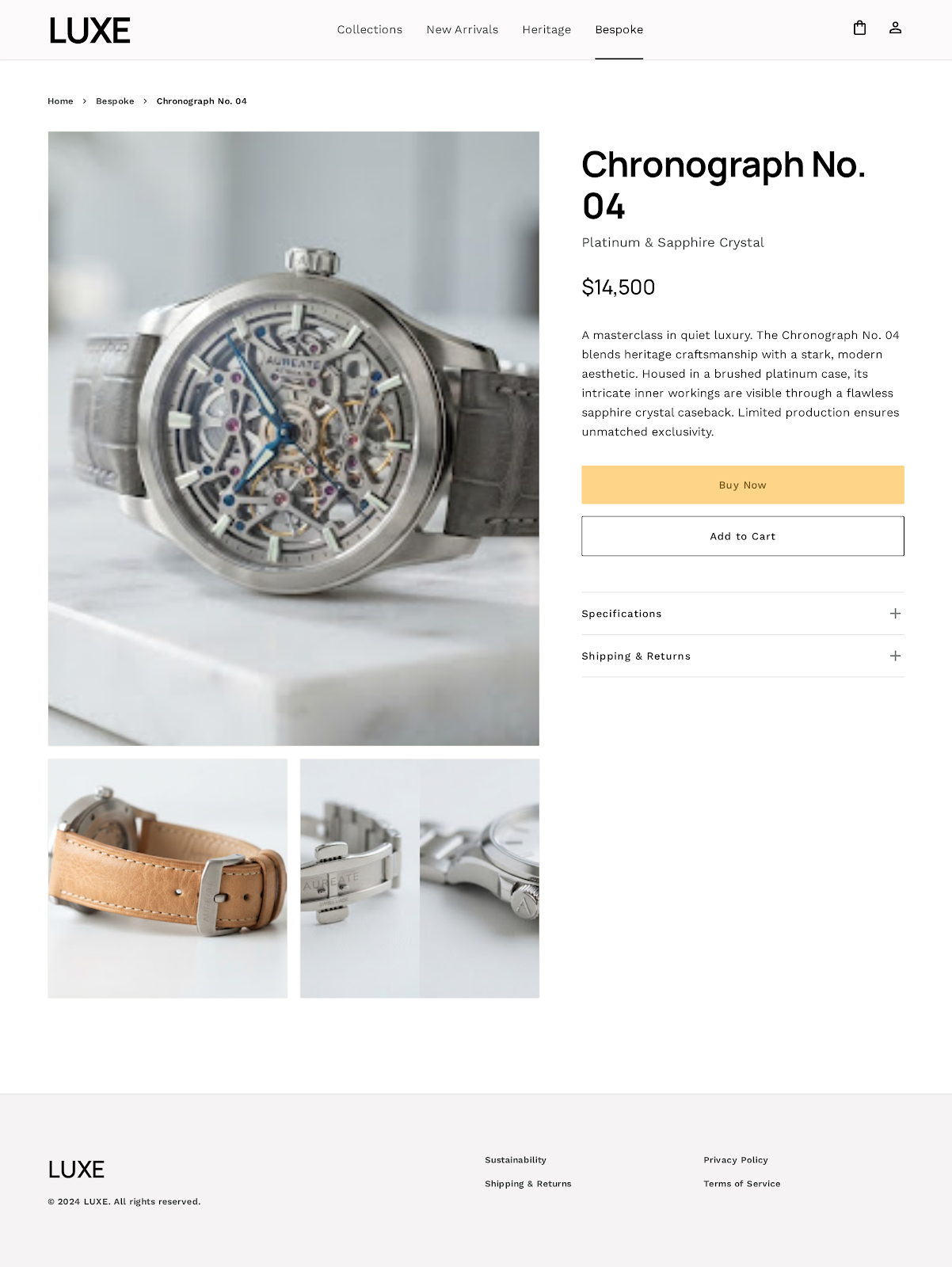
Original Mockup Reference (screen.png)
Live Interaction Checks:
- Thumbnails change the active primary detail image.
- Edition modifiers calculate costs dynamically (Bespoke custom vs standard).
- Quantity inputs respect stock counts and throw validation warnings.
- Add Testimonials submission updates reviews lists asynchronously.
3. Shopping Cart View
Launch Live View open_in_newAllows managing active items before checkouts, listing item details, updating quantity indices, and calculating subtotals, tax, and shipping parameters.
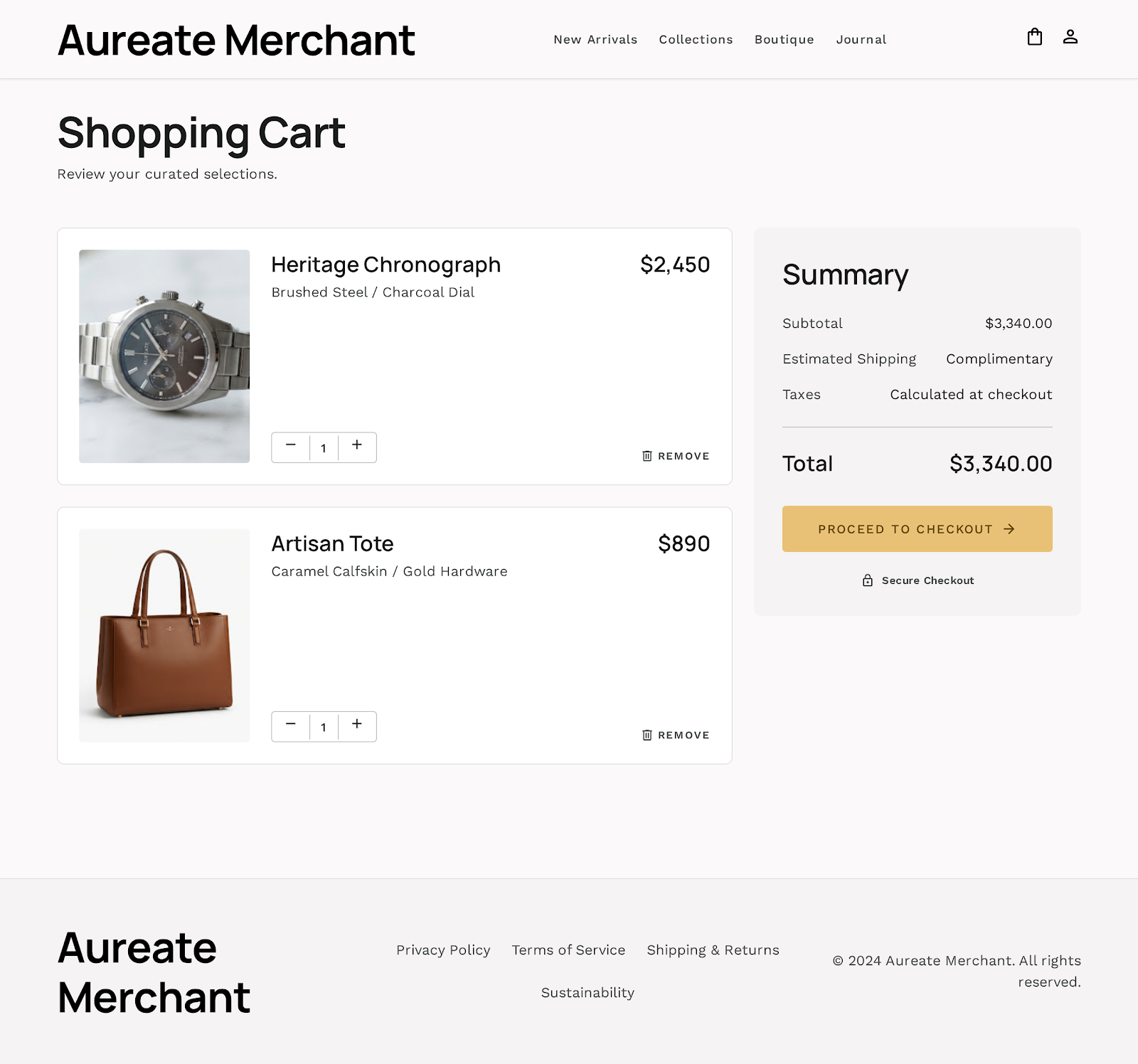
Original Mockup Reference (screen.png)
Live Interaction Checks:
- Quantities can be incremented/decremented directly with automatic subtotal updates.
- Deleting items runs async calls, updates table lists, and hides summaries if empty.
- Calculates tax rates and enforces free shipping rules on orders over $500.
4. Checkout Form View
Launch Live ViewStandard address inputs with side checkout summaries highlighting active cart selections.
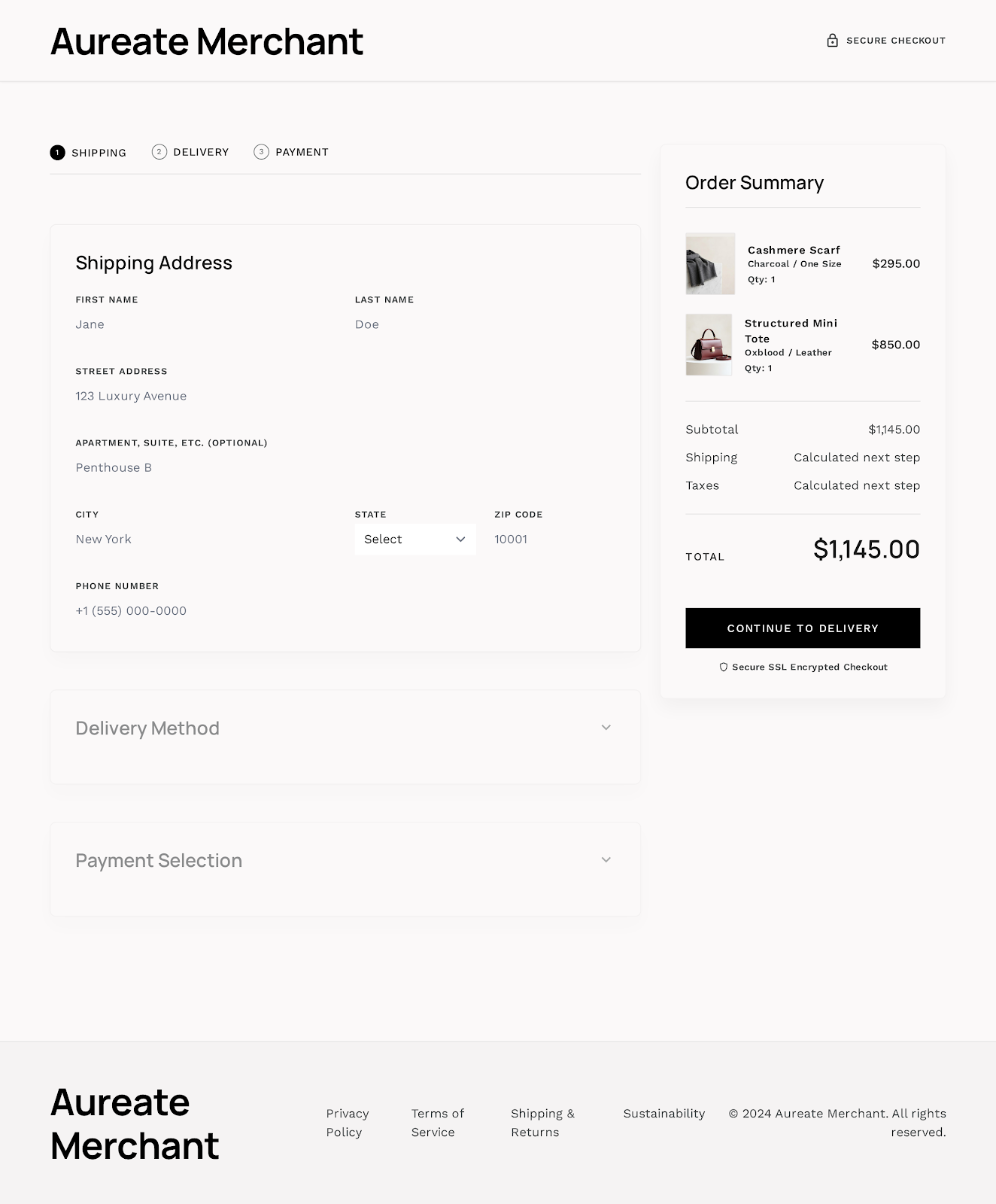
Original Mockup Reference (screen.png)
Live Interaction Checks:
- Validates complete form data before shipping dispatch updates.
- Syncs address details dynamically with user profiles if logged in.
5. Payment Gateway View
Launch Live View open_in_newCard details collection fields with Apple Pay / Google Pay simulated integrations.
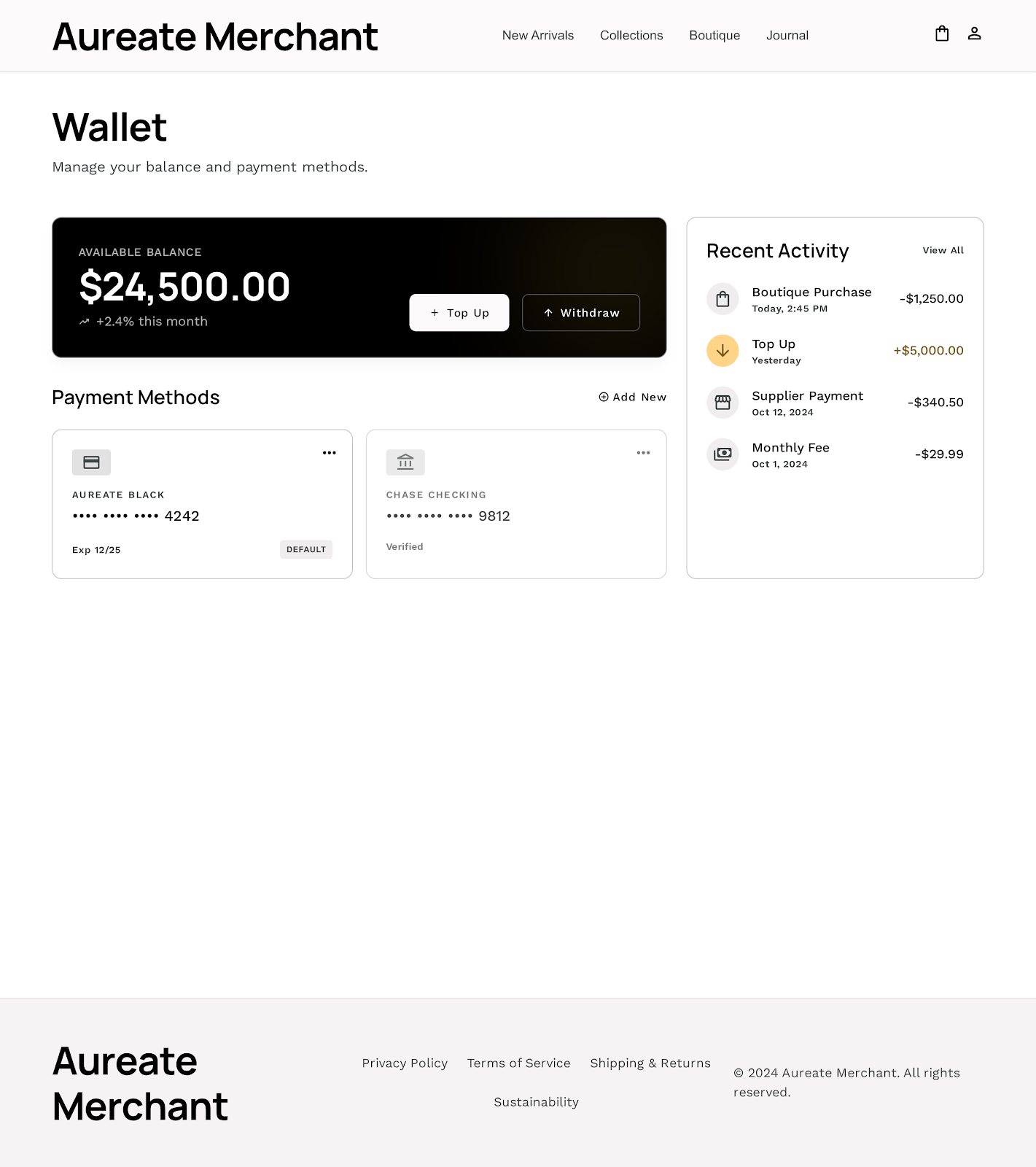
Original Mockup Reference (screen.png)
Live Interaction Checks:
- Masks credit card numbers and validates inputs.
- Submitting calls backend API to deduct inventory, clears cart states, and records transactions in the central database.
6. Order Timeline View
Launch Live View open_in_newAcquisitions history logs showing timelines highlighting real status updates.
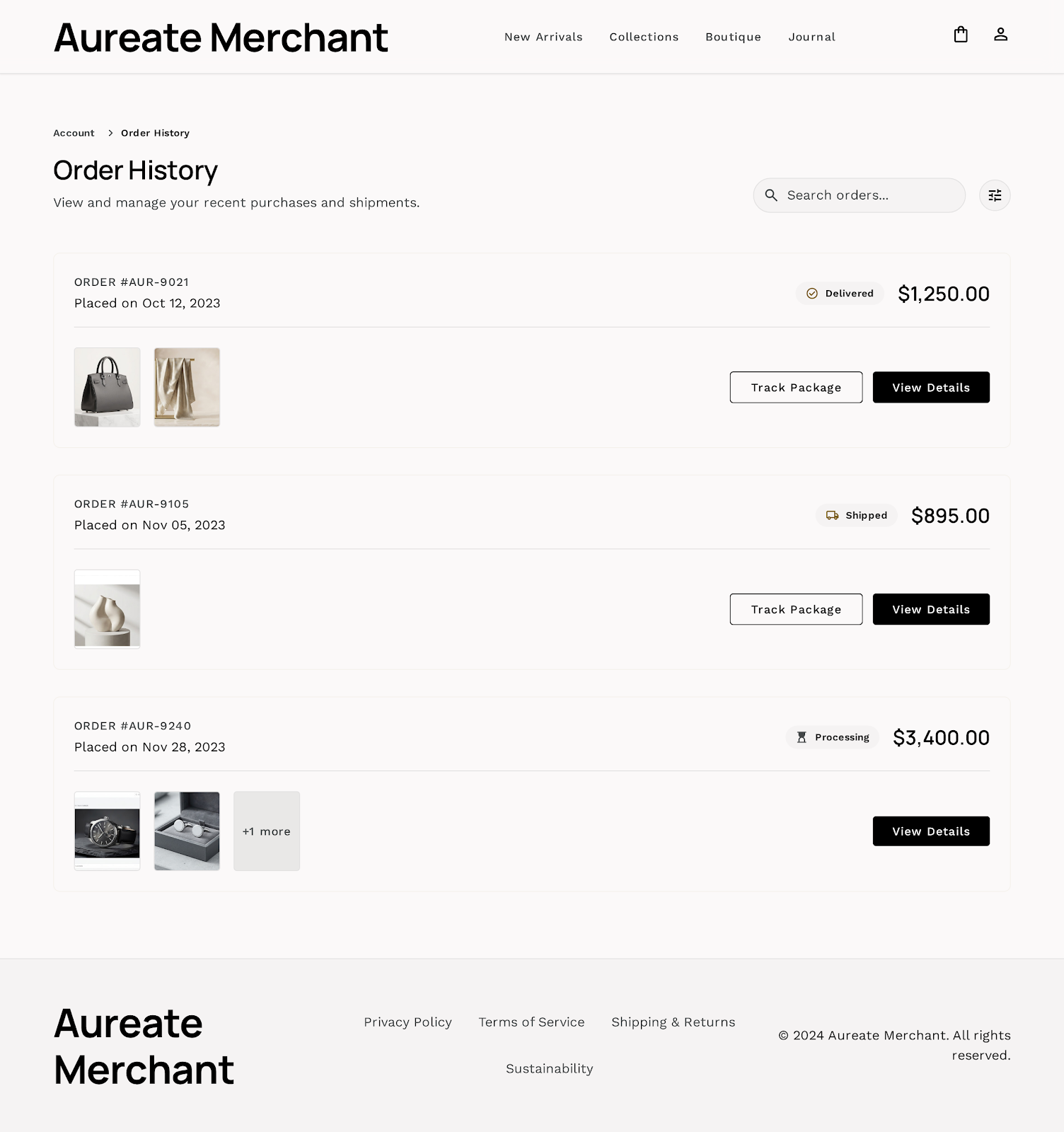
Original Mockup Reference (screen.png)
Live Interaction Checks:
- Lists all user orders from database.
- Clicking an order reveals tracking nodes dynamically highlighted based on backend status values.
7. Admin Dashboard View
Launch Live View open_in_newOperations summary panel calculating total valuations, customer stats, inventory warnings, and order status updates.
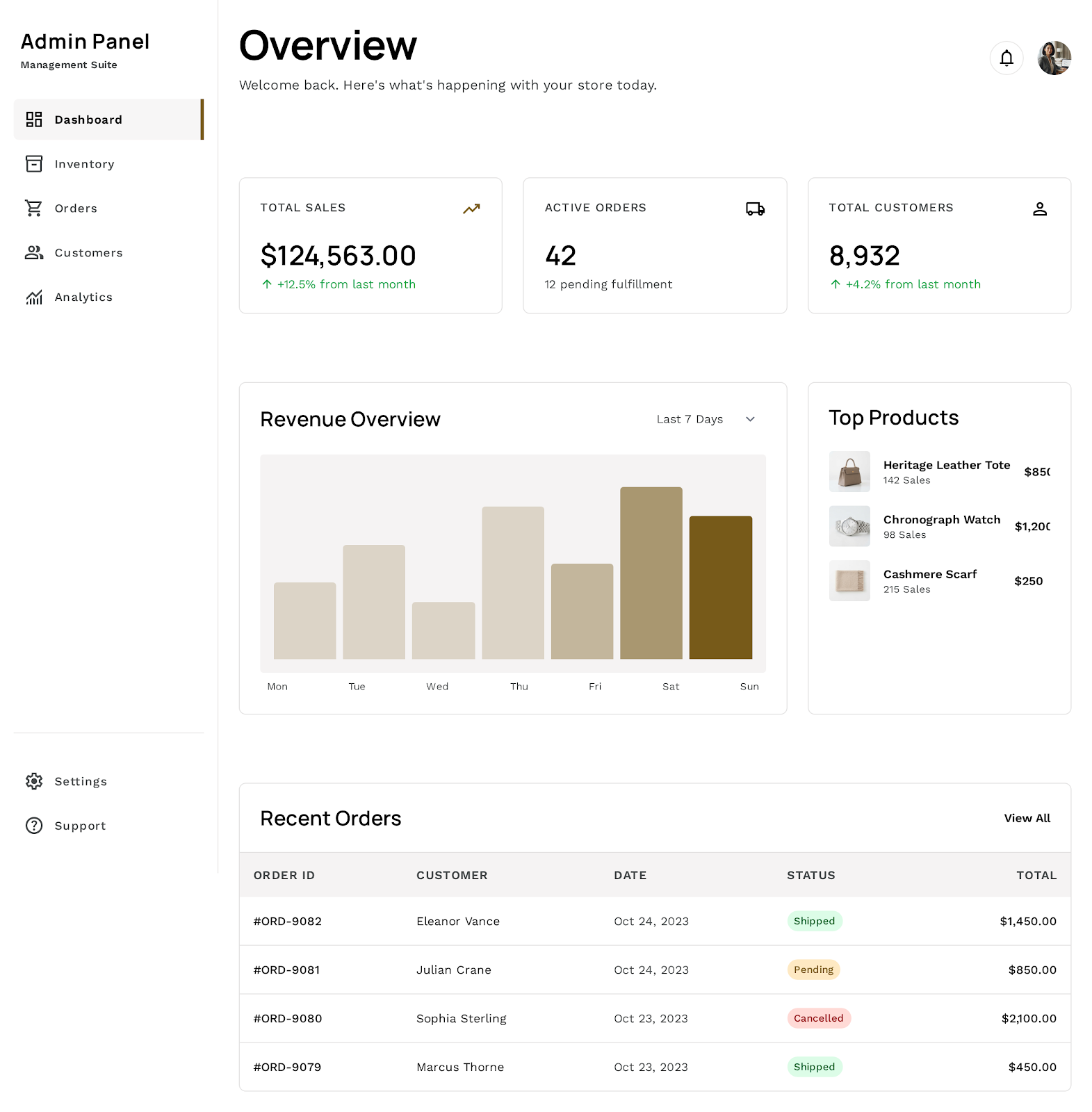
Original Mockup Reference (screen.png)
Live Interaction Checks:
- Authenticates admin identity and blocks unauthorized visitors.
- Dropdown status updates trigger updates in database, instantly updating timelines in customer views.
- Monitors live warehouse inventory levels.
8. Authentication View
Launch Live View open_in_newCurated authentication screen collecting email and password to log in. Features automated credentials loaders to simplify testing.
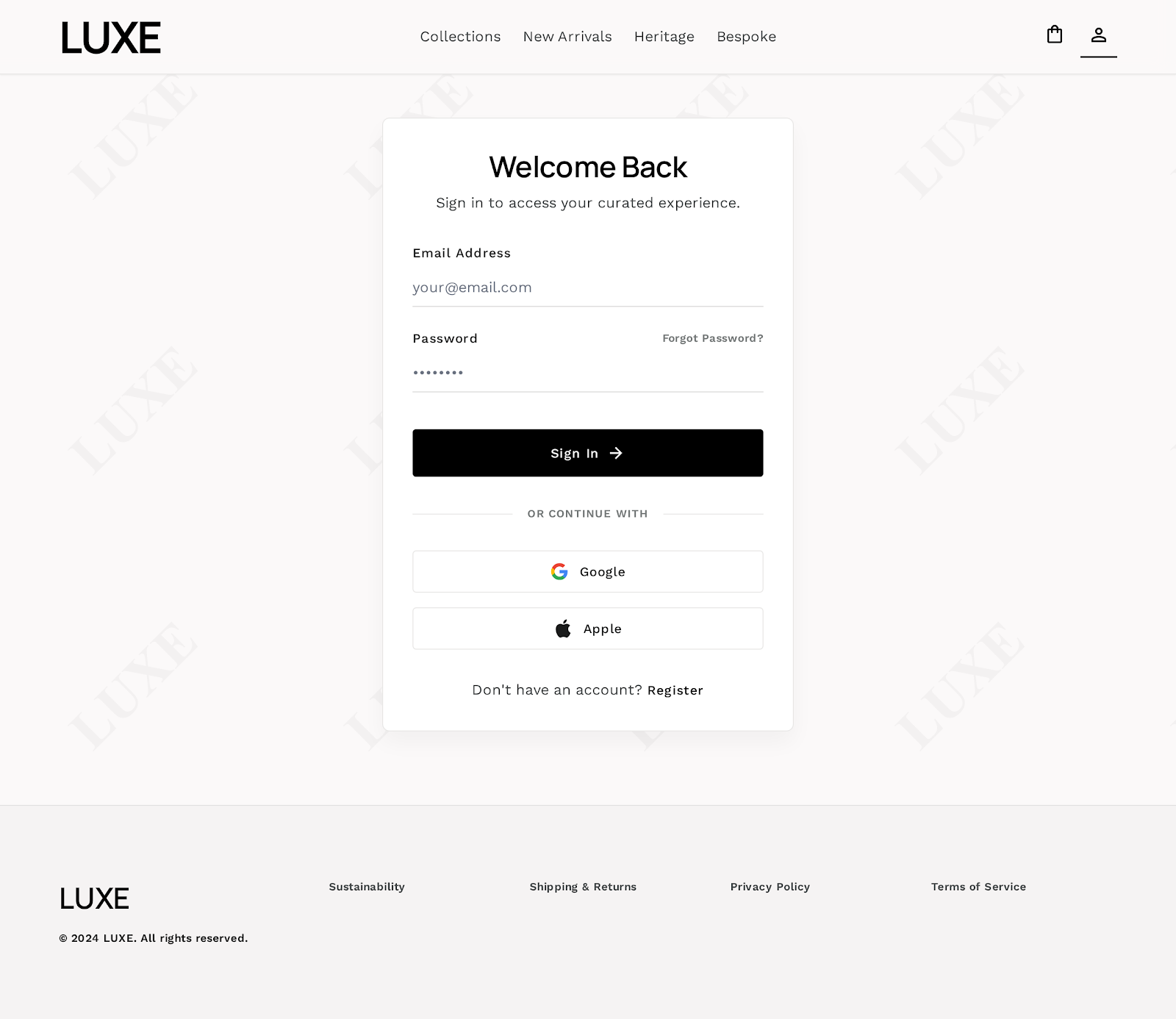
Original Mockup Reference (screen.png)
Live Interaction Checks:
- Secures input data via backend endpoints.
- Includes quick auto-fill buttons for customer and admin personas.
- Creates persistent browser cookie sessions.